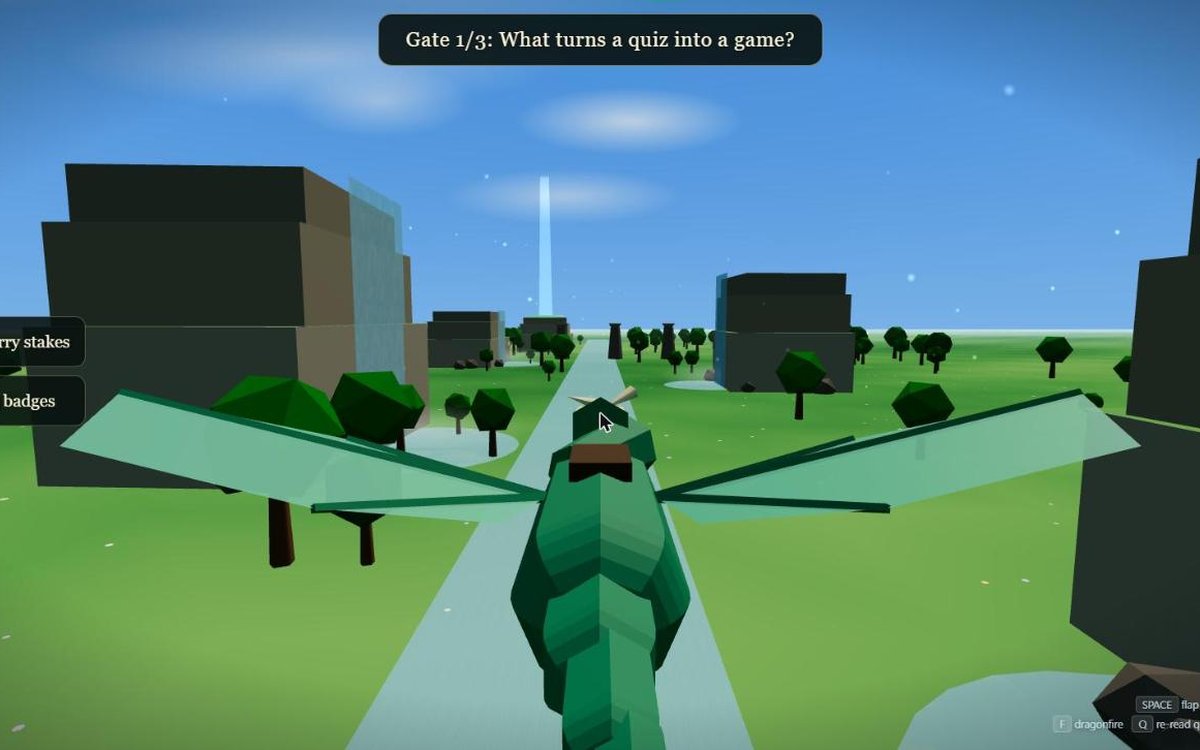
 3D flight
Skyvale
Fly through the gate with the right answer, then burn the banner. Holds 4 questions. Needs a keyboard.
The shop
If your learners click through your quiz to get it over with, this might help. Your multiple-choice questions show up inside a game they fly, race or run through. You put them in one file, put the folder on a website, and send your learners the link. There’s no coding. You pay $10 once and use it again and again, in as many of your own courses and with as many learners as you like.
Would you rather build your own with Claude? I’ve put five free prompts further down.
On a phone? The samples work best with a keyboard. You could email yourself this link and play one on your laptop later.
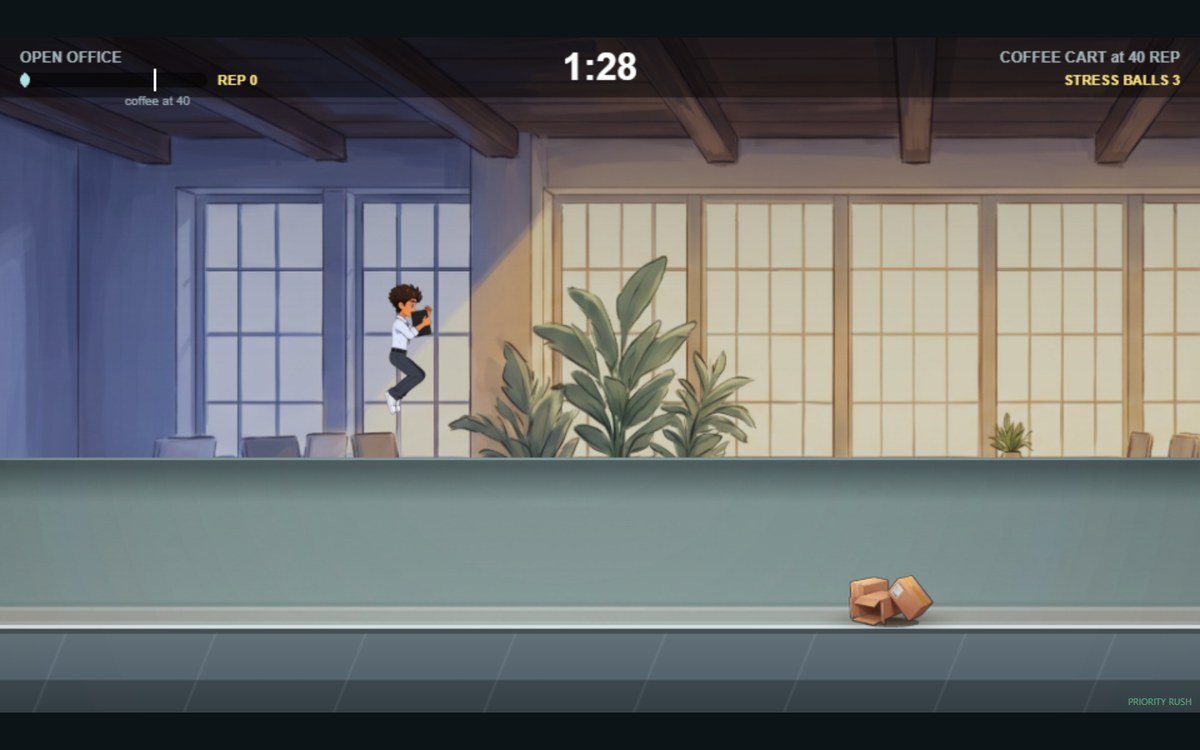
Four games · $10 each
Each one comes as a folder with the game, a sample question file and a short how-to.
3D flightFly through the gate with the right answer, then burn the banner. Holds 4 questions. Needs a keyboard.
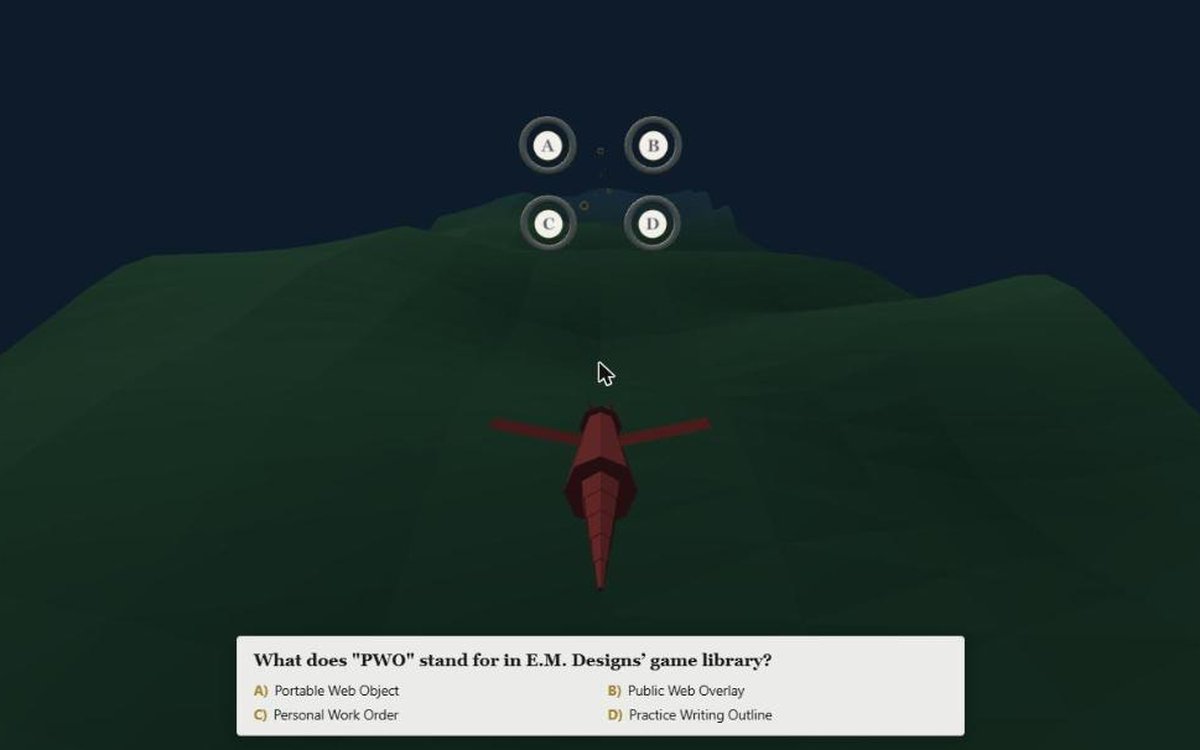 3D flight
Fly a dragon through the ring with the right answer. Picks 3 questions from your list each flight.
Office runnerRace to training while coworkers stop you with questions from your list. Needs a keyboard.
 3D racer
Steer into the right lane at each gate. The race mixes your questions across its gates. Needs a keyboard or gamepad.
$10 is the whole price, one payment. You don’t need an account with me, and there are no extra fees. Checkout is by Stripe.
You may use each game in as many of your own courses, with as many learners, as you like. Please don't resell or share the game files themselves.

Sprite pack · $5
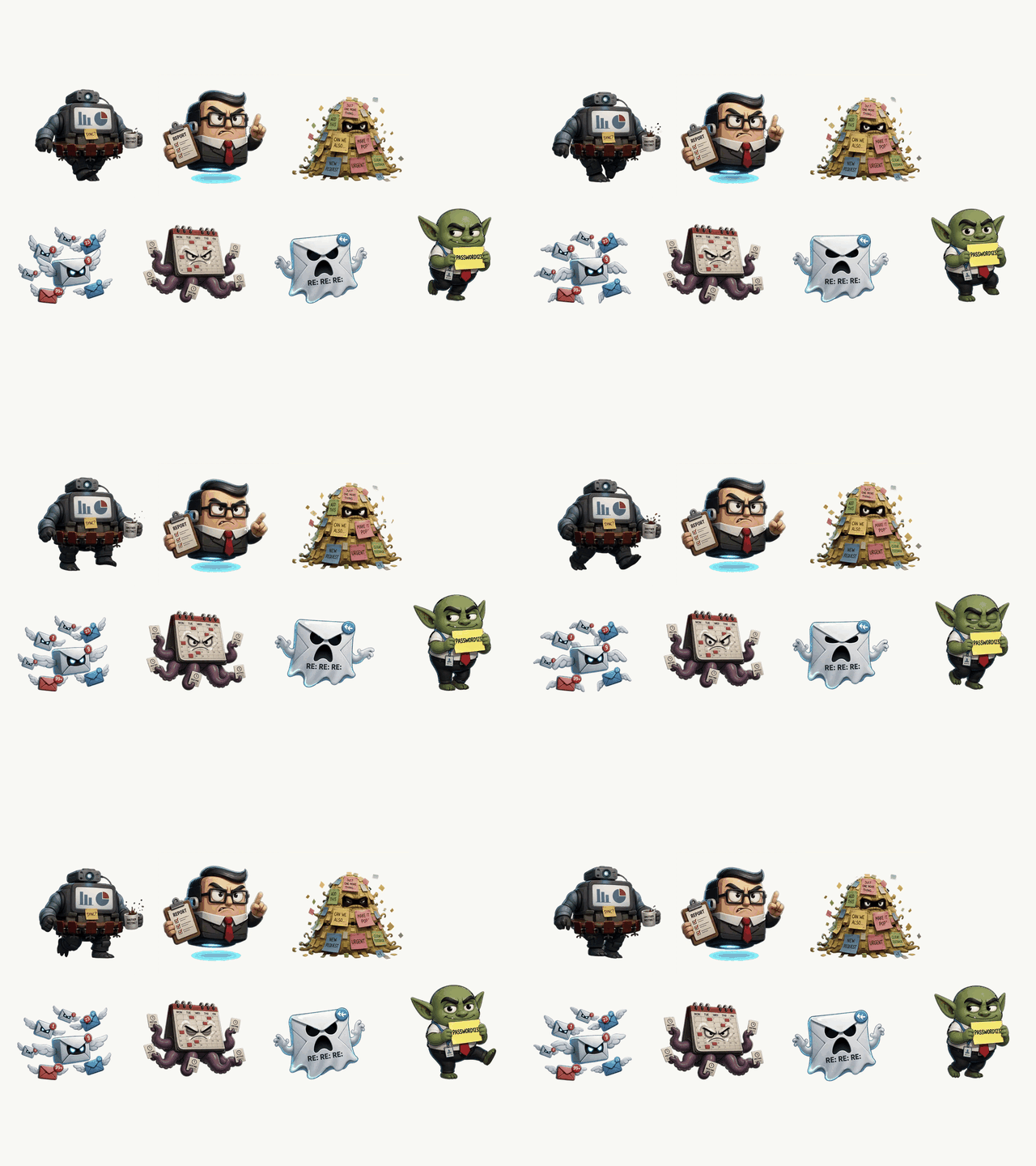 7 animated sheets
I made these seven monsters myself, with my own prompts in AI image tools: Meeting Monster, Micromanager, Scope Creep, Email Swarm, Calendar Kraken, Reply-All Ghost and Password Goblin. Each sheet has 25 frames with see-through backgrounds.
Use them in as many of your own games as you like. Please don't resell or share the sheets themselves.
The whole shop · $39
Bought one by one, that’s $45. You get every folder on one download page.
Buy the whole shop · $39Free
If you’re new to Claude and would rather build your own, start here. These are the five prompts I’d copy, in order, to make a small game from your own quiz questions. There’s no sign-up here. You’ll need a paid Claude plan, such as Pro.
If you’d like to build a game with me, my free live workshop is Tuesday, October 13, 7 to 8:30 PM ET on Zoom. Claude access is not included. Save your free spot
Open the free promptsNot as a SCORM package. Each game is a web folder, with no LMS file in it.
The how-to in the folder shows the Storyline steps: add the folder’s web address as a Web Object.
I haven’t tested these folders inside an LMS, so I’d try one in your LMS test area first.
Need a SCORM package? The Quiz Game Maker will make one for a game you build there (coming soon, $10 per game). It’s separate from these downloads.
Right after you pay, you go to a download page for your game. I’d save that page so you can find it again. If anything goes wrong, email me at rachel@emdesigns.ai. I usually reply within two business days.
No. You change one question file. The how-to in the folder shows you where and gives an example. If a comma or quote mark goes missing, the game shows its sample questions instead of yours. The how-to shows the pattern to keep, so you can check.
I’d put the folder on a website host and send your learners the link. The how-to in the folder names easy places to put it, like Netlify Drop or your company website.