Does your game camera jump every time the player changes direction?
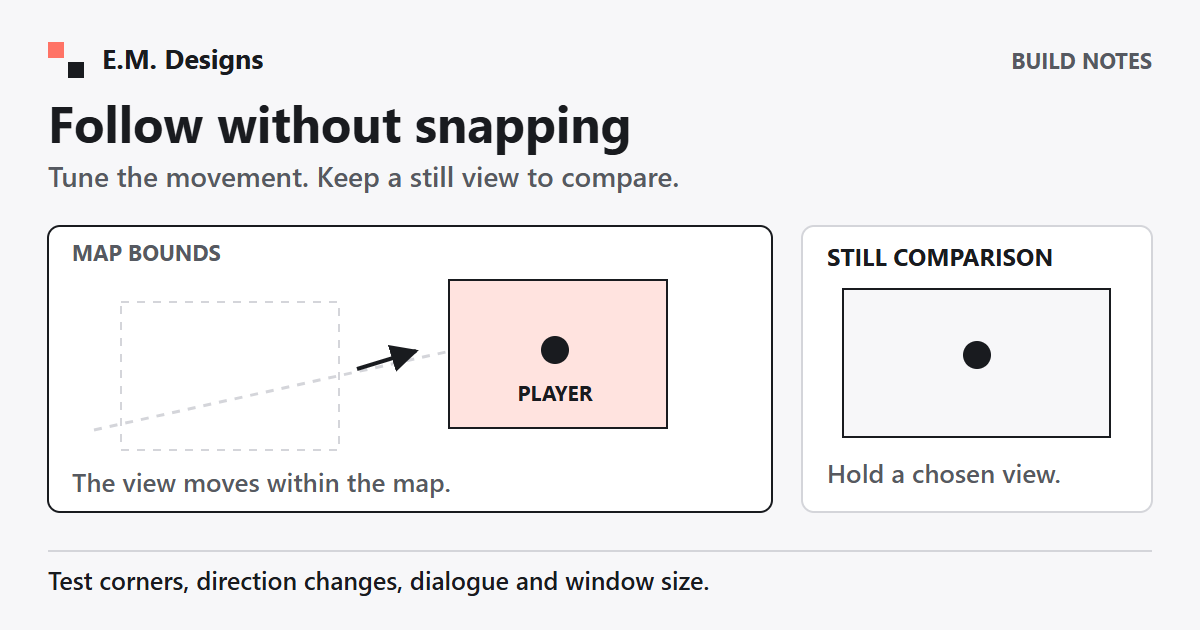
When the map is larger than the screen, a following camera can keep the player in view. But the camera is another moving part. Before changing it, give yourself a way to compare the new view with the one you already understand.
If your game uses Phaser, you can try a small camera change with Claude Code in a practice copy.
What does smoothing change?
Phaser's camera follow can interpolate toward a target. The follow values for the horizontal and vertical directions are called lerpX and lerpY. A value of 1 snaps to the target; 0.1 follows more slowly. Those are settings to compare, not a universal recipe for comfortable movement. See Phaser's camera follow guide.
A slower follow may feel useful while walking across a map. It may also lag behind during a fast turn. Ask what someone needs to see next before deciding how much camera movement to use.
What should the prompt say?
Tell Claude which scene contains the player and where the map dimensions come from. Then use this prompt, which I wrote for the task:
A prompt you can adapt
In this Phaser game, add camera follow with gentle smoothing. Keep the camera inside the map bounds. Show me which settings you changed. Keep a still-camera option so I can compare.
Work in a copy and keep permission checks on. Keep overwriting important files, spending, deleting, sending, publishing and work outside this project behind your approval. Request a focused change to the camera setup so you can review it without sorting through unrelated edits.
What settings should you recognize?
For a practice map that is 960 by 640 pixels, this is a possible starting point in a Phaser scene:
const camera = this.cameras.main;
camera.setBounds(0, 0, 960, 640);
camera.startFollow(player, false, 0.1, 0.1);
The dimensions must match your map. The second follow argument controls pixel rounding; it is not the smoothing value. Ask Claude to label each argument instead of changing numbers until the screen looks different.
Camera bounds limit where the view can scroll. They do not keep the player inside the map. Player movement and collision need their own rules. See the Phaser 3.90 camera bounds API.
For a still comparison, stop following and put the camera at a deliberate position:
camera.stopFollow();
camera.centerOn(480, 320);
This example holds a view of the map center. Choose a position that shows the part of your own task you want to compare. A still camera cannot show every part of a larger map at once.
What should you test?
Try the still view, a snapping follow and the slower follow on the same short route. Keep player speed and map size unchanged during that comparison.
- Visit all four corners. Does the view reveal blank space outside the map?
- Reverse direction quickly. Can you still see where you are going?
- Open dialogue or a decision prompt. Is the text steady and readable?
- Resize the window. Does the camera still behave as intended?
Record what changed and what remained difficult. Ask someone else to try the same route if you can. A correct API call is only the start of judging the experience.
When is less movement better?
If movement makes a question harder to read or hides a relevant object, reduce it or use a fixed view for that part. Smoothed follow is a Phaser feature you can test, not an accessibility certification or proof of better learning.
The camera's job is to help the person see the next useful action. Keep the comparison option until you have checked that it does.
Want to Build a Learning Game With Your Team?
I help teams turn their own learning content into playable practice and learn the building process as we go.
Explore working together