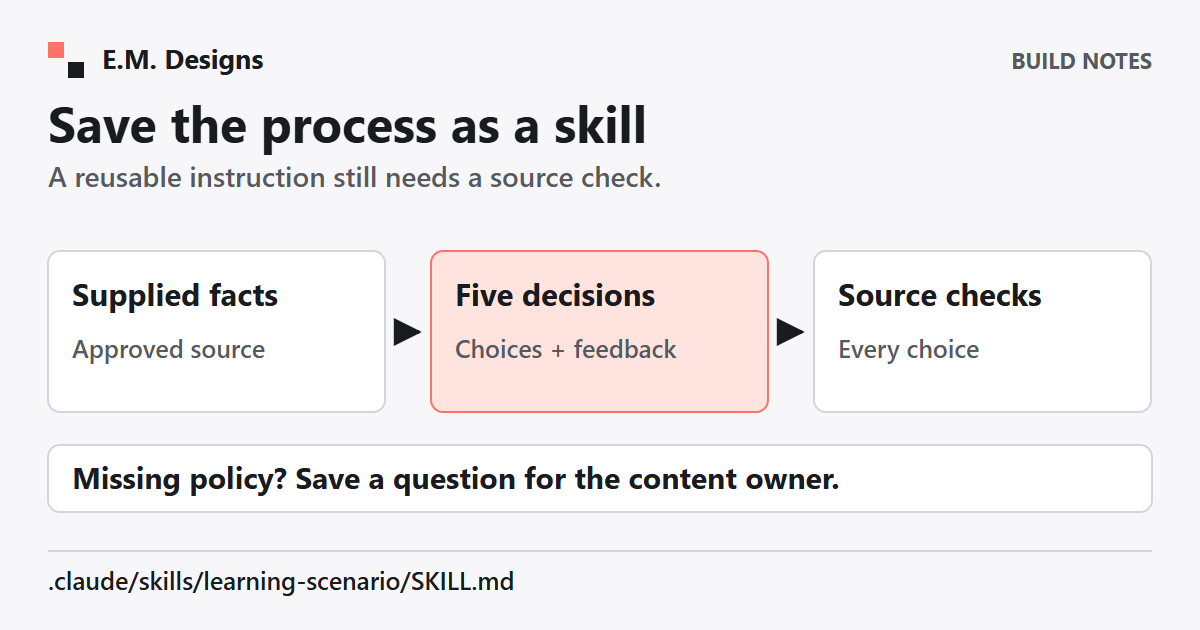
Giving Claude Code the same learning-game brief again and again?
You can save a repeatable process as a project skill. That gives you one place to review the instructions before using them with a new topic.
Start with a narrow job: turning supplied learning content into a draft five-decision scenario. Keep the output reviewable before asking for a complete game.
Where does the skill go?
A Claude Code project skill lives at .claude/skills/your-skill-name/SKILL.md. The file contains YAML frontmatter and Markdown instructions. Its name becomes the invocation command. See the official skill structure and invocation guide.
For example, a skill named learning-scenario can be invoked with /learning-scenario. That is your custom skill, not a universal built-in command.
Put the draft in a practice copy of your project. Do not start by installing it across every project you use.
What should you ask Claude to draft?
Use this prompt, which I wrote for the task:
A prompt you can adapt
Draft a skill for turning my supplied learning content into a five-decision scenario. Include my brand rules, the source facts and a check for every choice. If a policy is missing, ask me instead of inventing it.
Supply a small, approved practice document and your actual brand rules. Ask for the skill text first, so you can read it before installing or invoking it.
Keep permission checks on. The skill should not spend, delete, overwrite important files, send, publish or reach outside the project without your approval. Do not add tool-permission fields merely to make approval prompts disappear. Check Claude Code's permission controls.
What should the first version contain?
Here is a small example to review and adapt. It asks for a draft table, rather than building or publishing anything:
---
name: learning-scenario
description: Draft five learning decisions from supplied sources
disable-model-invocation: true
---

Use only the approved content and brand rules I supply.
Draft five decisions. For each, include:
- situation and learner action
- choices and feedback
- source reference for each choice and its feedback
Separate source facts from fictional scene details.
If policy is missing or conflicting, list the question.
Do not invent a policy answer to complete the table.
Return the draft and a review checklist.
Do not change source files, send, publish or spend.
The frontmatter setting makes this a manually invoked skill. It controls invocation; it does not make the draft accurate or grant permission for later actions.
How do you check each decision?
Read the draft alongside the source. Pick one choice at a time. Can you find support for its feedback? Does the situation ask the learner to make the decision the objective requires?
An incorrect choice also needs an explanation you can defend. “Wrong” is not useful feedback by itself. Have the draft explain the consequence or overlooked rule, and show where that explanation comes from.
Keep fictional names and scene details visibly separate from policy. If the supplied material has no rule for an exception, that gap belongs in the question list. Ask the content owner before treating a proposed answer as correct.
What would count as a useful test?
Try three small inputs in the practice copy: one with a clear rule, one missing an important rule and one with a contradiction. Check whether the output cites the clear rule, flags the gap and reports the conflict.
Keep the expected behavior beside the skill so you can repeat the check after editing its instructions. These are suggested tests; a saved skill does not run them automatically.
Once the draft decisions hold up, you can choose which ones belong in a game. The useful shortcut is saving the process you already trust enough to test again.
Want to Build a Learning Game With Your Team?
I help teams turn their own learning content into playable practice and learn the building process as we go.
Explore working together