You told Claude what was wrong. It fixed it. It was still wrong. You told it again.
Sound familiar?
Why does it keep going wrong?
Context is the conversation so far, including the files Claude has read.
The guide to Claude Code from Anthropic, the company that makes Claude, says what happens when you keep correcting:
"If you've corrected Claude more than twice on the same issue in one session, the context is cluttered with failed approaches. Run /clear and start fresh with a more specific prompt that incorporates what you learned."
A session is one conversation with Claude. /clear is a command you type to Claude. It wipes the conversation so Claude starts clean. Copy anything you want to keep first, to be safe.
Anthropic adds:
"A clean session with a better prompt almost always outperforms a long session with accumulated corrections."
What should I do first?
Save a copy of your project.
Copy the prompt that almost worked, so you have it handy.
Keep Claude's permission checks on. They are Claude's safety step before it changes or runs things. Don't switch them off to go faster.
What do I do instead?
Before you correct it a third time, stop.
Write down what you learned from the first two tries. What was wrong? What did you actually want?
Then type /clear and start fresh, with those answers in your first message.
What does it look like for a training scenario?
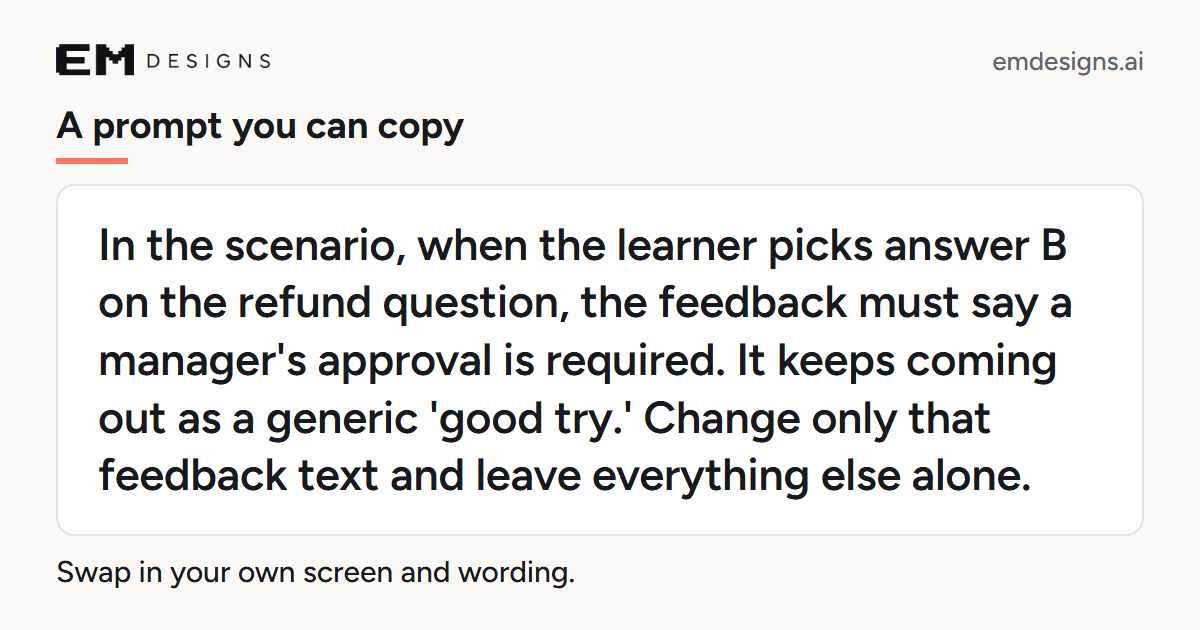
Say Claude keeps giving the wrong feedback on one answer. Instead of a third "no, not like that," write something like this. It is an example of mine, not a quote:
"In the scenario, when the learner picks answer B on the refund question, the feedback must say a manager's approval is required. It keeps coming out as a generic 'good try.' Change only that feedback text and leave everything else alone."
Copy it and swap in your own screen and wording.
Then play the result yourself once.
What's next?
Next time Claude gets something wrong twice, write one sentence about what you want. That sentence is your new first message.
Sources
- Anthropic, "Best practices for Claude Code," section "Manage your session," part "Course-correct early and often": code.claude.com/docs/en/best-practices. Checked October 3, 2026.
Want This Capability on Your L&D Team?
I can build your game from your source material, run a Build Day with your team, or you can start free with my tools.
See how we'd work together Try the tools free