Hi everyone. I just got back from the Canadian eLearning Conference, and honestly, I am still smiling.
If you have not heard of CeLC, here is the quick version. It happens every spring at the Marriott on the Falls in Niagara, and it brings together a couple hundred instructional designers, L&D leads, and learning tech folks. Two days of sessions. Two days of the kind of conversations that range from "how do we get our completion rates up" to "what does xAPI actually do." It is the kind of conference you walk out of with a notebook full of ideas and a phone full of new LinkedIn connections.
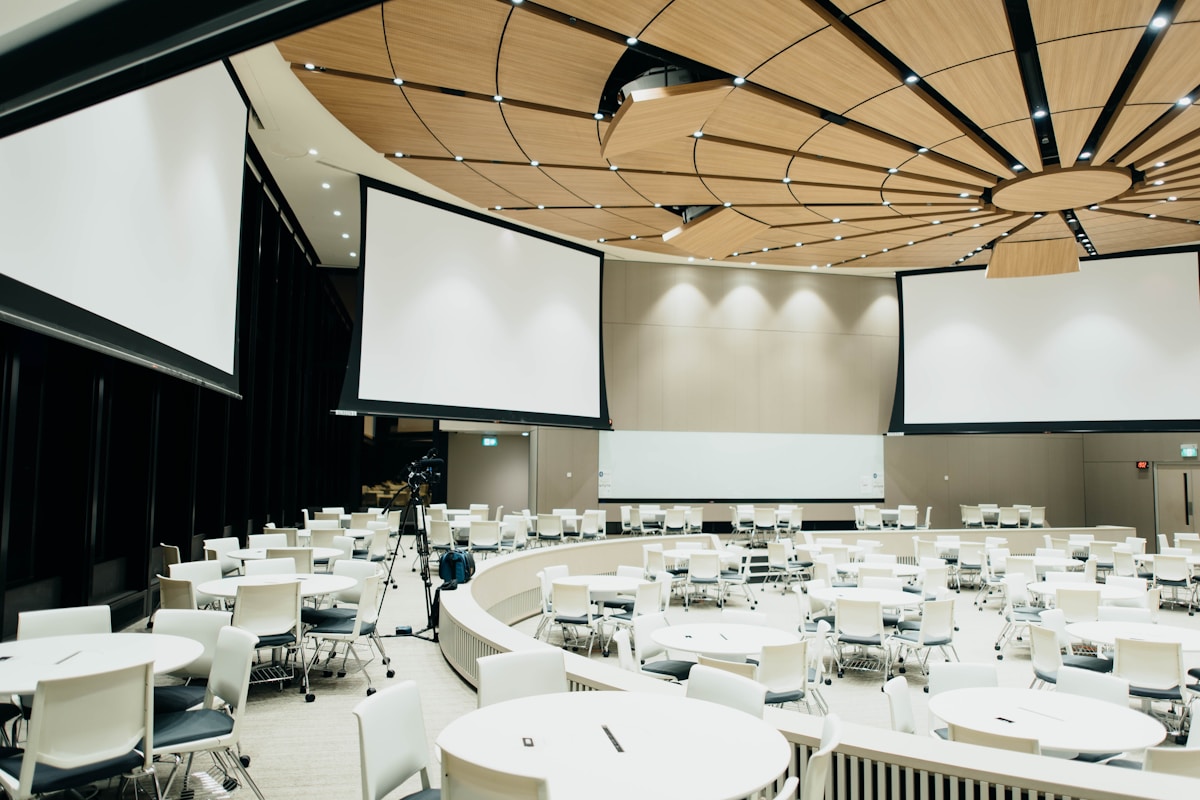
This was my first time presenting at CeLC, and the whole thing was run beautifully. The CeLC team, especially Kataryna, made every step easy. Sessions started on time. The AV worked. The room I was in had the right energy. None of that sounds like a big deal until you have been to a conference where any of it goes sideways, and then you realize how rare it is when every detail just lands.
The sessions themselves were strong. I sat in on talks about scenario-based learning, AI-assisted authoring, accessibility, and one really sharp session on storytelling in compliance training that I am still thinking about. Real talk: every session I went to gave me at least one thing to take home.
My session: Vibe Coding Portable Web Objects
I presented on Friday at 1:30. The session was called Vibe Coding Portable Web Objects: Turn Storyline and Rise Into Repeatable, High-Engagement Games, which is a long title for a simple idea. Together, in 45 minutes, we built a real, working Tetris quiz game.
Here is how it went. I showed everyone a finished portable web object first, a Tetris quiz running inside a real Storyline course, so the room could see exactly where we were heading. Then we all opened Lovable, pasted in the prompt I had prepped, and started building. A few seconds later, games started loading across the room. They were clicking, they were swiping, they were exploring, they were building. It was the best part of the whole conference for me.
Here is the thing nobody tells you about vibe coding
The workflow itself is the easy part. You open Lovable. You paste a prompt. You wait a few seconds. You get a game.
The part that actually matters, the part that decides whether you ship a working, on-brand eLearning game or a half-broken thing nobody wants to play, is the prompt. The structure of it. The specificity of it. That is the real craft of vibe coding, and it is what I had spent weeks getting right before the session.
A structured prompt for a portable web object tells the AI a handful of things, clearly. What kind of interaction you are building. What you want the learner to take away. How it should look. How the user should behave inside it. What features it needs to actually work. When those pieces are all spelled out, the AI does the heavy lifting. When they are not, you spend the rest of your afternoon re-prompting and hoping.
That is why everyone in the room got a working game on the first try. Not because the tool is magic. Because the prompt was doing the work.
The cheat code: editing questions without rebuilding
After the build, I walked everyone through what I think is the single most useful trick. The questions in these games live in a little CSV file, sitting right next to the game itself. Which means anyone on your team can open it, change the questions, save, and the game updates. No code. No rebuild. Compliance one week, onboarding the next, product knowledge the week after that. Same build. Endless lessons. That is the kind of math L&D teams actually need.
We dropped the games into Storyline and Rise. We talked about the gotchas (Web Objects do not show in the editor preview, you have to publish to see them, ask me how I know). And we closed with the easy button.
The easy button: the PWO Generator
If you do not want to learn the prompting part right this second, that is fine. I built the done-for-you version of all of this. It is called the PWO Generator, and it lives on my site.

Here is how it works. You pick a game from the library. You drop in your own questions. You hit Build preview to test it. Then you hit Generate hosted link and you get a URL. Paste that link straight into Storyline as a Web Object (URL mode), or use it as an embed in Rise. No folder to misplace. No prompt to re-tune when Lovable changes its mind. And when you need a different game for a different lesson, just drop in a new set of questions, hit generate, and you have a fresh hosted link in seconds.
Take a look here: emdesigns.ai/pwo-generator.
Try it yourself
I promised everyone in the room that every prompt, every starter file, and every walkthrough lives on one page. So here is the link: emdesigns.ai/canadian-elearning-conference.
You can build the exact game we built. You can grab the CSV, swap in your own questions, and ship a new lesson in a few minutes. And if you want to skip the build entirely, the Generator is right there waiting for you.
If you came to my session and you are reading this, thank you. Truly. You made it what it was.
And if you missed it, the door is open. Go build something.
Want This Capability on Your L&D Team?
I can build your game from your source material, run a Build Day with your team, or you can start free with my tools.
See how we'd work together Try the tools free