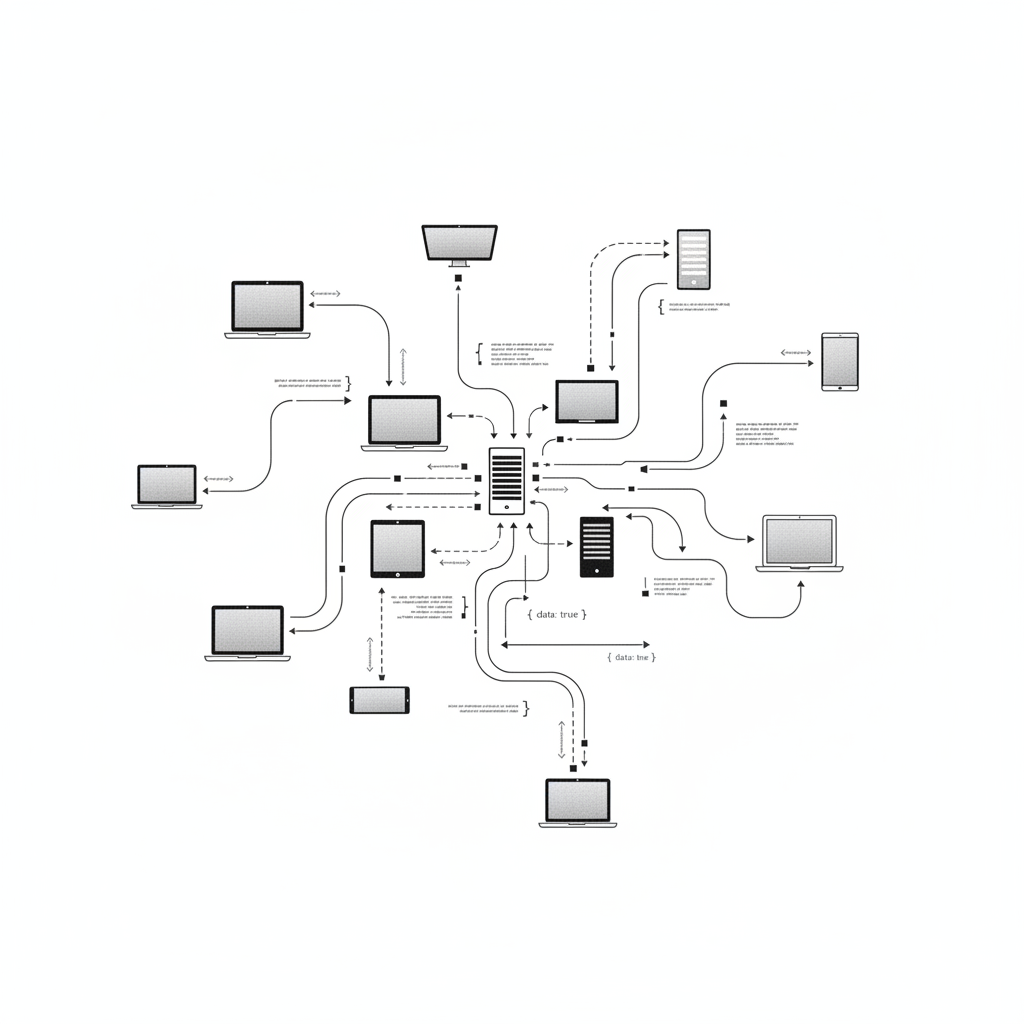
I Used to Think APIs Were Not for Me
A year ago, if someone said "API" in a conversation, my brain would quietly check out. It sounded like something only software engineers needed to worry about. I had courses to build, stakeholders to manage, and deadlines to hit. APIs were someone else's problem.
Then I started vibe coding. And the moment I realized that every AI tool I was already using (ChatGPT, ElevenLabs, Canva's Magic Studio) was just a pretty wrapper around an API? That changed everything.
Because here's the thing: when you use an API directly, you skip the middleman. You get more control, more flexibility, and you spend way less money. And with AI coding assistants doing the heavy lifting, you don't need a computer science degree to pull it off.
So let me break this down the way I wish someone had explained it to me.
What Is an API, Actually?
API stands for Application Programming Interface. I know. Not helpful. Let me try again.
Think of an API like a drive-through window. You pull up, you place your order (a request), the kitchen makes your food (the server processes it), and someone hands you back a bag (the response). You never walk into the kitchen. You don't need to know how they make the fries. You just need to know what's on the menu and how to ask for it.
That's an API. It's a structured way for one piece of software to talk to another.
The Key Pieces
There are a few terms you'll see everywhere, so let me demystify them:
- Endpoint: This is the specific URL you send your request to. Think of it like a phone number for a specific service. For example, ElevenLabs has an endpoint at
https://api.elevenlabs.io/v1/text-to-speechthat converts text into spoken audio. - API Key: This is your unique password for the service. When you sign up, you get a key (a long string of characters). You include it in every request so the service knows who's asking. Golden rule: never share your API key publicly.
- JSON: This is the format that APIs use to send and receive data. It's surprisingly readable. Here's what a quiz question looks like in JSON:
{
  "question": "What is Bloom's Taxonomy?",
  "type": "multiple_choice",
  "options": ["A framework for objectives", "A type of LMS", "A grading scale"],
  "correct_answer": 0
}
See? Curly braces, labels, values. You can read that. You already understand JSON better than you think.
The Request-Response Dance
Every API interaction follows the same pattern:
- You send a request with your API key, the endpoint URL, and whatever data you're sending (like a text prompt)
- The server processes it
- You get back a response with a status code (200 means success, 401 means bad API key) and your data in JSON format
That's it. Every API on the planet works this way. Once you understand this pattern, you understand all APIs.
Why Should an Instructional Designer Care?
Fair question. You've got Articulate, you've got Canva, you've got ChatGPT. Why would you need to call an API directly?
Three reasons.
1. The Tools You Already Use Are Just API Wrappers
When you use ChatGPT to generate quiz questions, OpenAI's API is doing the work behind the scenes. When ElevenLabs turns your script into narration, that's their text-to-speech API. When Canva's Magic Studio generates a background image, that's an image generation API.
These tools charge you $20-50/month for a nice interface on top of API calls that might cost pennies. Knowing this changes how you think about what's possible, and what things actually cost.
2. You Get Superpowers at Scale
A GUI (the clickable interface) is great for one-off tasks. But what if you need to generate quiz questions for 15 modules? Or create narration audio for 40 slides? Or translate a course into 3 languages?
Clicking through a tool 40 times is painful. One API call in a loop does it in minutes.
3. You Can Build Things That Don't Exist Yet
No off-the-shelf tool does exactly what you need? Connect a few APIs together and build it yourself. Need a tool that takes learning objectives, generates assessment questions, and creates audio narration for each one? That's three API calls chained together. And with vibe coding, you can describe what you want in plain English and have the AI write the code.
APIs That Actually Matter for L&D
Not all APIs are created equal, and most of them are irrelevant to what we do. Here are the ones worth knowing about.
AI Content Generation
Anthropic Claude API is the one I use most. Claude is exceptional at generating structured content: quiz questions at specific Bloom's levels, scenario branching scripts, learning objectives, rubrics, and feedback. The Batch API processes up to 100,000 requests at 50% off, which is wild for bulk content generation. Pricing starts at $1 per million input tokens for the fast model (Haiku). That's pennies for most ID tasks.
OpenAI API gives you GPT-4o and newer models, plus image generation and the Whisper speech-to-text API ($0.006/minute, the cheapest way to transcribe SME interviews or training videos). New accounts get $5 in free credits.
Google Gemini API is the best free option for beginners. Generous free tier, no credit card required, up to 1,000 requests per day. If you want to experiment without spending a dime, start here.
Text-to-Speech (Narration)
ElevenLabs is the gold standard for realistic AI narration. 29+ languages, voice cloning, and the most natural-sounding output I've heard. Free tier gives you about 10 minutes of audio per month. Paid plans start at $5/month with a commercial license.
Google Cloud Text-to-Speech has a surprisingly generous free tier: 1-4 million characters per month free (that's a LOT of narration). The voices aren't as natural as ElevenLabs, but the price is unbeatable for bulk work.
Amazon Polly offers 1-5 million characters free for your first 12 months. Neural voices sound great, and if you're already in the AWS ecosystem, it's easy to set up.
Image Generation
OpenAI Image API models start at half a cent per image. Great for scenario illustrations, course thumbnails, and custom graphics you can't find in stock libraries. The text rendering is also solid, which matters when you need labels or headings baked into an image.
If you're already using Canva, their Magic Studio is powered by image generation APIs under the hood. You're essentially calling an API every time you click "generate," just through a friendlier interface. For most ID image needs, between OpenAI and Canva, you're covered.
Translation
DeepL API gives you 500,000 characters per month free, no credit card required. Quality is noticeably better than Google Translate for most languages. It even has a Moodle plugin that batch-translates entire courses with one click.
Google Cloud Translation offers 500,000 characters per month free, and that free tier never expires. Supports 100+ languages.
LMS Automation
Canvas API lets you programmatically manage courses, enrollments, grades, and file uploads if your org uses Canvas. There's a Python wrapper called canvasapi that makes it straightforward. Auto-enroll learners, pull grade data, bulk-update content. No more clicking through the admin panel for repetitive tasks.
Moodle API is open-source and free. Create courses, manage users, handle enrollments, upload SCORM packages, all via API calls.
Learning Data
xAPI and Learning Record Stores go beyond SCORM (which only tracks completion inside an LMS). xAPI tracks learning experiences anywhere: mobile apps, VR simulations, on-the-job tasks, live workshops. Data flows to a Learning Record Store (LRS) via API. Free LRS options include SCORM Cloud and Watershed Essentials.
What This Looks Like in Practice
Theory is nice, but you're probably wondering what you'd actually do with these. Here are real use cases.
Batch-Generate Quiz Questions
You have 12 modules of content. Instead of writing 120 quiz questions by hand, you send each module's key content to the Claude API with a prompt like: "Generate 10 multiple-choice questions at Bloom's application level. Include answer explanations." You get structured JSON back that you can import directly into your authoring tool. Total cost: maybe $0.15.
Auto-Generate Course Narration
You've got a script for a 30-slide module. A simple script loops through each slide's text, sends it to the ElevenLabs API, and saves the returned audio as individual MP3 files, named and organized by slide number. A full course narration for under $5, done in minutes instead of hours.
Translate a Course Overnight
Your stakeholder needs the training in Spanish and French by next week. Feed your course text to the DeepL API (500K free characters/month) and get professional-quality translations back. Review, adjust for cultural context, done.
Pull Learner Analytics Without the CSV Dance
Instead of logging into your LMS, exporting a CSV, cleaning it in Excel, and emailing it to your manager every Monday, write a script that calls the Canvas API, pulls the data you need, formats it, and sends it automatically. Set it up once, never think about it again.
Create Accessible Transcripts
Upload training videos to the Whisper API at $0.006 per minute, get accurate transcripts back, then send those transcripts to Claude to clean up formatting and add proper headings. Accessible documentation from existing content, at scale.
Build a Custom Tool
This is where it gets exciting. Using Claude Code or another AI coding assistant, describe what you want: "Build me a web app where I paste learning objectives and it generates assessment questions, then converts them to audio narration files." The AI writes the code that calls Claude's API for the questions and ElevenLabs' API for the audio. You just built a tool that doesn't exist anywhere else, tailored exactly to your workflow.
Getting Started (Without Writing Code From Scratch)
If this sounds interesting but you're thinking "I still don't know how to code," that's fine. Here's your on-ramp.
Step 1: Get Your First API Key
Start with the lowest barrier to entry:
- Google Gemini: Free, no credit card. Go to ai.google.dev, sign in, and create a key.
- Anthropic Claude: Go to console.anthropic.com, create an account, and add $5 in credits. You'll land in the Anthropic Console, which is your home base for everything. Click "API Keys" in the sidebar to generate your key. My personal recommendation for getting started.
- OpenAI: $5 free credits for new accounts at platform.openai.com.
Step 2: Make Your First API Call (Without Writing Code)
Here's the part most guides skip: where do you actually go to use the API once you have a key?
Option A: The Anthropic Workbench. This is the easiest starting point for Claude's API. Once you're logged into console.anthropic.com, click "Workbench" in the sidebar. You'll see a text box where you can type a prompt, pick a model, and hit Run. It's basically a chatbox that talks directly to the API. You can see the raw request and response, adjust settings like temperature and max tokens, and experiment without writing any code. This is where I'd start.
Option B: Postman (free) is a visual tool that works with any API. You type in the endpoint URL, paste your API key in the headers, write your prompt in the body, hit Send, and see the response. It's like a universal remote for APIs.
Option C: Claude Code can make API calls for you. Tell it what you want to send to any API and it writes and runs the code right in your terminal.
Option D: Zapier / Make.com lets you connect APIs visually with drag-and-drop. "When X happens, call Y API, do Z with the result." No code at all.
Step 3: Start Absurdly Small
Your first API call should take 5 minutes, not 5 hours:
- Open the Anthropic Workbench (or Google AI Studio for Gemini). Type a prompt like "Generate 3 multiple-choice questions about workplace safety." Hit Run. See structured content come back. That's your first API call. Celebrate.
- Try something more practical: paste a paragraph of your actual course content and ask for quiz questions at a specific Bloom's level.
- Then scale up: use Claude Code to write a script that does it for every module in your course automatically.
That progression (one call, one useful call, one automated workflow) is how you build confidence without getting overwhelmed.
Free Tiers Worth Knowing About
Google Gemini: Free, no credit card, 1,000 requests/day
DeepL Translation: 500K characters/month free
Google Cloud TTS: 1-4M characters/month free
Amazon Polly: 1-5M characters/month free (first 12 months)
Google Translate: 500K characters/month free (never expires)
OpenAI: $5 free credits (expires in 3 months)
ElevenLabs: 10K characters/month (~10 min audio)
SCORM Cloud LRS: Free hosted LRS
Watershed Essentials: Free LRS with reporting
The Vibe Coding Connection
Here's why APIs and vibe coding are a perfect match for instructional designers.
Vibe coding means describing what you want in plain language and letting an AI assistant write the code. Claude Code, Cursor, Replit: these tools turn your ideas into working code. And the number one thing that code does? Call APIs.
The workflow looks like this:
- Open Claude Code
- Say: "I have a CSV of learning objectives. For each one, call the Claude API to generate 3 multiple-choice questions and save them as a JSON file."
- Claude Code writes the script, handles the API key, parses the response, saves the output
- You review the questions and import them into your authoring tool
The skill that matters isn't "can you write Python." It's "do you know which API to use and what to ask for?" The coding part is increasingly automated. The instructional design thinking (knowing what makes a good question, what Bloom's level to target, how to structure a learning path) is the human value that can't be automated.
And that's exactly the skillset you already have.
The Fears Are Normal (But Mostly Unfounded)
Let me address the things that kept me from exploring APIs sooner, because I know you're thinking them too.
"I'll break something." You won't. Most beginner API use cases are read-only (pulling data) or generative (creating content). You can't accidentally delete your LMS by asking for quiz scores. APIs have safety guardrails built in.
"It's too expensive." Generating 100 quiz questions with the Claude API costs roughly $0.05-0.15. Google's Gemini API is free for light usage. You'll spend more on coffee this week than on API calls this month.
"The documentation is intimidating." Every API has a Getting Started page. Start there, ignore everything else. And if the docs confuse you, paste them into Claude and ask it to explain. That's literally what I do.
"What about OAuth?" Fair. Some APIs (especially LMS APIs) use OAuth, which is genuinely confusing. Start with APIs that use simple API keys: Claude, OpenAI, ElevenLabs, DeepL. Save OAuth for later. You'll get there.
The Bottom Line
APIs are the building blocks behind every AI tool you already use. Understanding them, even at a basic level, gives you the power to automate repetitive work, build custom tools, and do things that no off-the-shelf product can do for you.
You don't need to become a developer. You need to know what's on the menu and how to place your order. The kitchen (your AI coding assistant) handles the rest.
Start with one API key. Make one call. See what comes back. Then start imagining what's possible when you chain a few together.
That's how it started for me. And honestly? It's one of the most empowering things I've learned in this field.
Want This Capability on Your L&D Team?
I can build your game from your source material, run a Build Day with your team, or you can start free with my tools.
See how we'd work together Try the tools free